 PWA
PWA
Progressive Web App Compatibility Test
Progressive web app compatibility test for Service Workers, offline storage, installability, push notifications, and background sync validation across browsers.
Expert guides on feature detection, WebGL and WebGPU tests, codec verification, API compatibility, hardware acceleration, capability diagnostics, and PWA testing for developers and QA.
PWA
Progressive web app compatibility test for Service Workers, offline storage, installability, push notifications, and background sync validation across browsers.
Diagnostics
Browser capability diagnostics for troubleshooting missing WebGL, codec failures, API blocks, configuration problems, extension conflicts, and browser limitations.
Reporting
How to build a browser feature availability report from probe sessions. Document supported, unsupported, and experimental WebGL, codec, and API capabilities.
Performance
Hardware acceleration test guide for GPU graphics, video decode, and rendering paths. Diagnose software rendering, blocked GPUs, and browser optimization issues.
APIs
Web API compatibility test checklist for JavaScript APIs, device access, storage, permissions, secure contexts, and standards compliance across modern browsers.
Media
Browser codec support test for H.264, H.265, VP9, AV1, AAC, Opus, and more. Learn canPlayType probes, streaming readiness, and playback compatibility validation.
WebGPU
WebGPU compatibility test guide: adapter requests, GPU compute readiness, browser implementation status, and when to keep WebGL fallbacks for your users.
WebGL
WebGL compatibility test guide: WebGL 1.0 and 2.0 detection, shader compile checks, rendering validation, GPU renderer info, and hardware acceleration diagnostics.
Tool
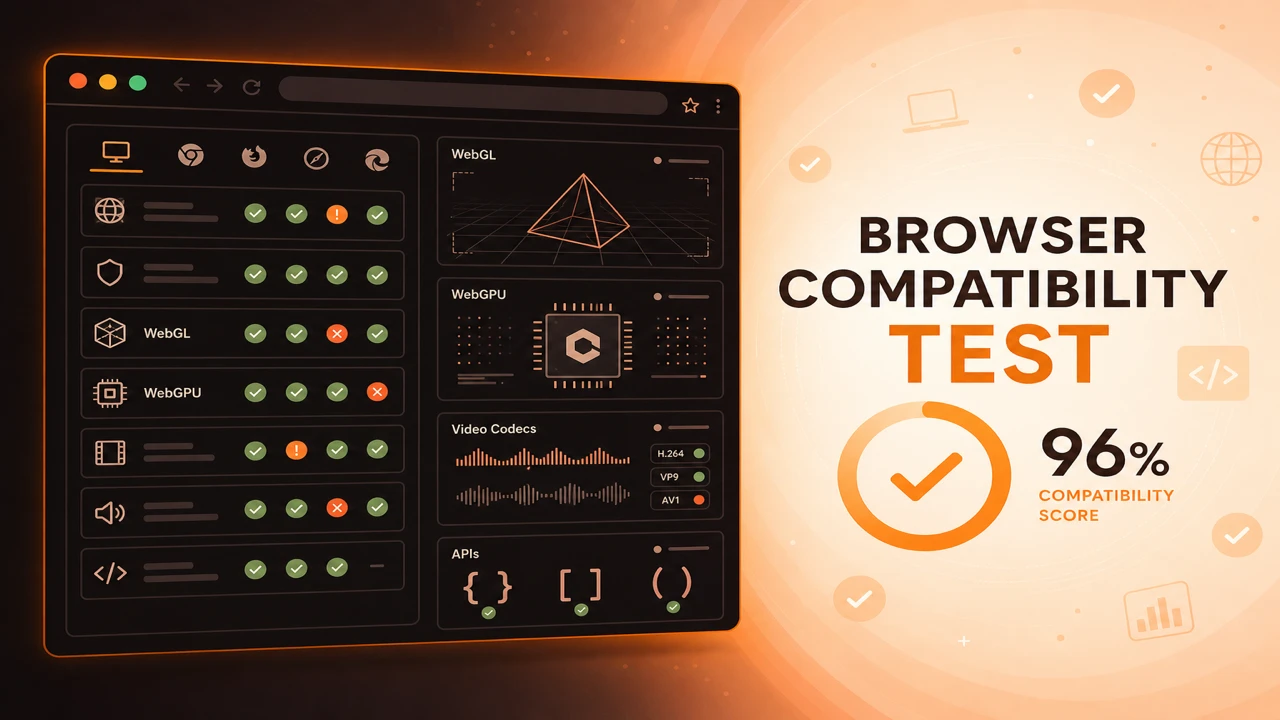
How to use the browser compatibility test tool for live feature detection, pass/fail diagnostics, capability scoring, and JSON export across WebGL, WebGPU, codecs, and APIs.
Fundamentals
Learn what a browser compatibility test is, how feature detection beats version checks, and why capability verification matters before users hit WebGL, codec, or API errors.