Progressive Web App Compatibility Test
Progressive web app compatibility test for Service Workers, offline storage, installability, push notifications, and background sync validation across browsers.
Browser codec support test for H.264, H.265, VP9, AV1, AAC, Opus, and more. Learn canPlayType probes, streaming readiness, and playback compatibility validation.
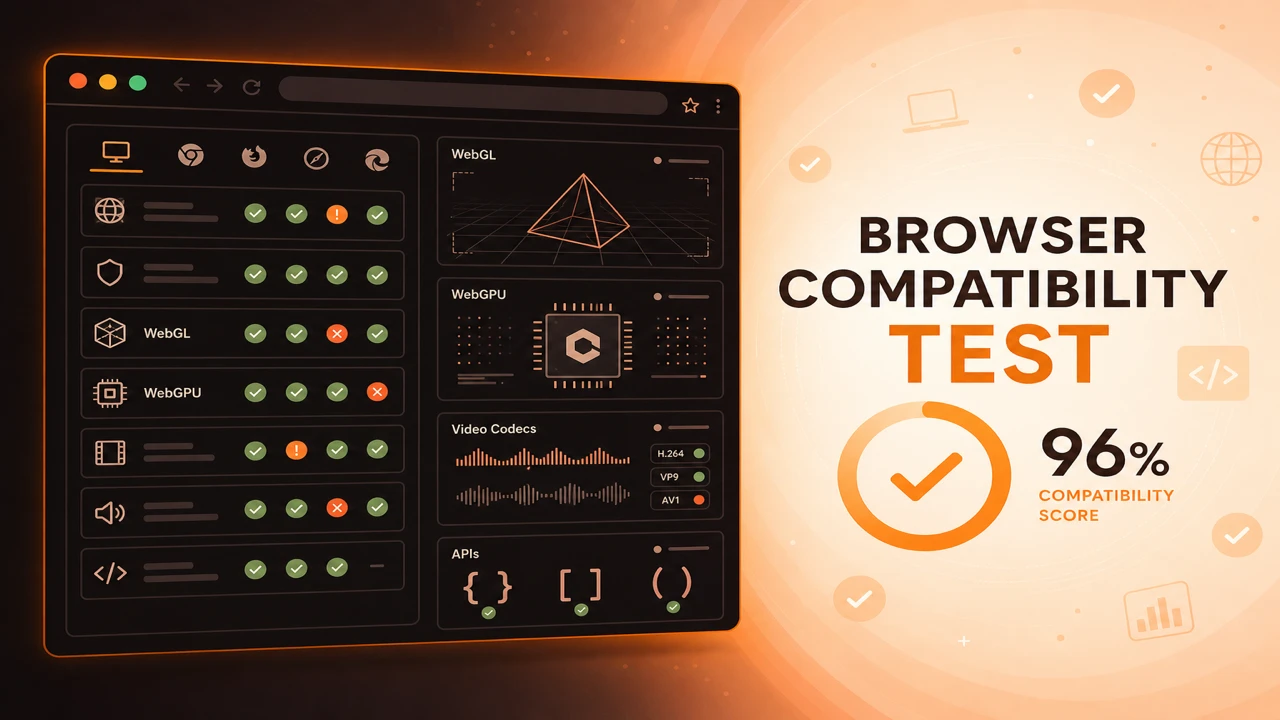
Browser codec support tests use canPlayType and MediaSource checks to learn which video and audio formats the browser can decode. Probes cover H.264, H.265, VP9, AV1, AAC, Opus, MP3, and FLAC readiness before you pick a streaming profile.
Formula
Codec Supported = canPlayType(mime) Returns 'probably' or 'maybe'
This article is part of Browser Compatibility Test. Open the compatibility test tool to run WebGL, WebGPU, codec, and API probes in your current browser.
A browser codec support test validates video and audio decode readiness through canPlayType probes, playback compatibility checks, and streaming readiness signals.
Browser codec support tests use canPlayType and MediaSource checks to learn which video and audio formats the browser can decode. Probes cover H.264, H.265, VP9, AV1, AAC, Opus, MP3, and FLAC readiness before you pick a streaming profile.
A browser codec support test validates video and audio decode readiness through canPlayType probes, playback compatibility checks, and streaming readiness signals.
Playback compatibility depends on hardware decode paths, not just API responses. A 'maybe' result may indicate partial support that fails at high bitrates.
HDR video support and spatial audio formats require additional MIME strings beyond baseline codec probes.
Video and audio codec support determines whether streams start cleanly or fail with opaque media errors. Probes should run before you finalize CDN packaging, not after users report playback failures in production.
Codec results interact with hardware decode paths. When probes pass but playback stutters, follow up with a hardware acceleration test to see whether software decoding is masking a deeper issue.
Video codec probes typically cover H.264, H.265, VP9, and AV1 with MIME strings that match your packaging pipeline. Audio probes should include AAC, Opus, MP3, and FLAC when your manifests carry those tracks.
For adaptive streaming, instantiate MediaSource and call isTypeSupported with the exact codec strings from your manifests. canPlayType alone does not prove MSE acceptance for fragmented MP4 or WebM segments.
When codec rows fail unexpectedly, use browser capability diagnostics to separate licensing limits, platform restrictions, and container mismatches from true decode absence.
Treat 'probably' as strong support for static files. For adaptive streaming, instantiate MediaSource and call isTypeSupported with your exact manifest codec string.
Pair codec probes with autoplay policy checks. Supported codecs still fail if autoplay with sound is blocked without user gesture.
HDR and spatial audio formats need explicit MIME strings beyond baseline probes. Treat them as separate rows in your compatibility matrix when premium tiers depend on them.
Codec Supported = canPlayType(mime) Returns 'probably' or 'maybe'
Apply these steps in order so compatibility results stay comparable across browsers and releases.
List target codecs
Match codecs to your CDN packaging: H.264 baseline, VP9, AV1, HEVC, AAC, and Opus.
Run canPlayType probes
Log responses for each video and audio MIME string you ship.
Test MediaSource support
Confirm MSE accepts your fMP4 or WebM codec combinations for streaming.
Validate with short samples
Optionally load tiny clips to catch decode errors probes miss.
Choose manifest ladders
Pick HLS, DASH, or progressive files per browser capability results.
A news site ships H.264 for universal playback and VP9 for bandwidth savings where probes pass. Users on failing VP9 browsers stay on H.264 without errors.
A training portal discovers AV1 fails on older Android WebView. They retain an H.264 ladder rung for that user agent family.
A live events platform keeps an H.264 ladder rung permanently after probes show AV1 gaps on older smart TV browsers. Viewers never see a settings toggle; the player selects compatible streams automatically.
An audiobook service discovers Opus failures on a niche Android browser while AAC passes. The CDN adds an AAC fallback track for that user agent family without changing the primary encoding strategy.
Codec support tests prevent the most common video won't play support tickets.
Build manifest ladders that match probe results, not idealized encoding goals alone.
Run Codec Probes
PWA
Progressive web app compatibility test for Service Workers, offline storage, installability, push notifications, and background sync validation across browsers.
Diagnostics
Browser capability diagnostics for troubleshooting missing WebGL, codec failures, API blocks, configuration problems, extension conflicts, and browser limitations.
Reporting
How to build a browser feature availability report from probe sessions. Document supported, unsupported, and experimental WebGL, codec, and API capabilities.